Turning off a Pioneer touchscreen radio isn’t always obvious, especially when there’s no dedicated power button visible on the face of the unit.
On most Pioneer touchscreen head units, you turn the unit off by pressing and holding the HOME button for about one second until the screen goes dark. Some models use a dedicated power/source button labeled SRC or PWR. When the vehicle is turned off, the radio typically shuts down automatically after a short delay unless an accessory power setting keeps it running.
Why Pioneer Touchscreen Radios Don’t Always Have an Obvious Power Button
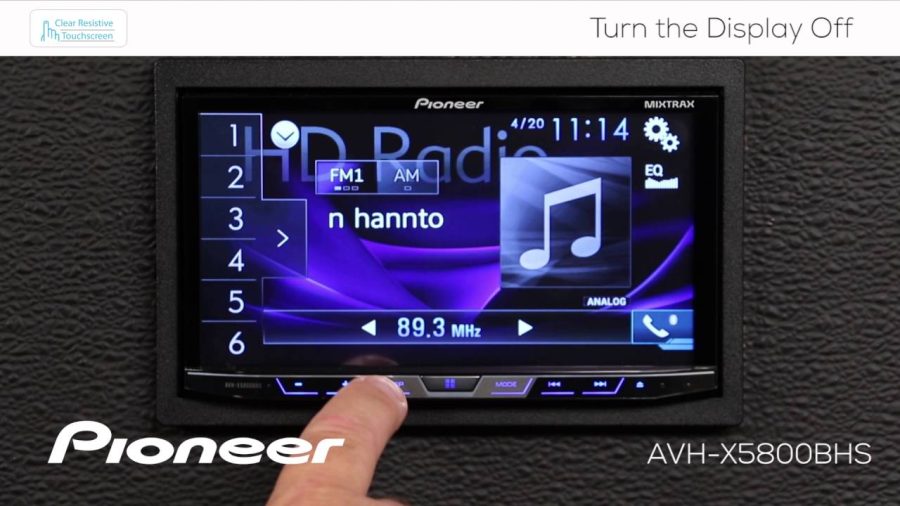
Pioneer designed most of its double-DIN and single-DIN touchscreen radios to function primarily through software menus and a small set of physical buttons. Unlike older head units with a clear labeled power button, modern Pioneer units integrate power control into the SRC/OFF button or the HOME button.
This design choice reflects how most drivers use their radios. The head unit is expected to power on and off with the vehicle’s ignition. The manual power-off function exists mainly for situations where the car is running but the driver wants the screen off — like during long charging sessions, a phone call through external speakers, or simply reducing distractions.
Identifying Your Pioneer Model’s Power Control
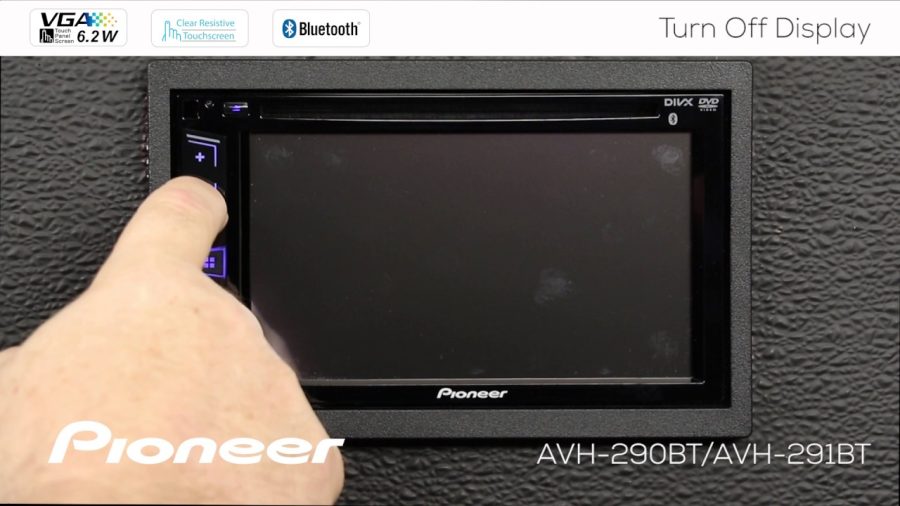
The exact method depends on your specific Pioneer model. Most fall into one of three categories:
Models with a SRC/OFF Button:
Units like the Pioneer AVH-series and DEH-series with touchscreens include a physical SRC button. Pressing and holding this button for one to two seconds turns the unit off. A single press cycles through audio sources.
Models with a HOME Button:
Newer Pioneer models, including many AVH-W and DMH-series units, use the HOME button as a dual-function control. A short press returns to the home screen. A long press (approximately one second) powers the unit off.
Models with a Dedicated Power Symbol:
Some older Pioneer touchscreen units include a small power icon on the bezel or as part of a button cluster. Pressing it briefly turns the unit off or puts it into standby.
If you’re unsure which category your unit falls into, check the label on each physical button. Pioneer consistently labels the SRC button with “SRC/OFF” on models where it controls power.
Step-by-Step: Turning Off a Pioneer Touchscreen Radio
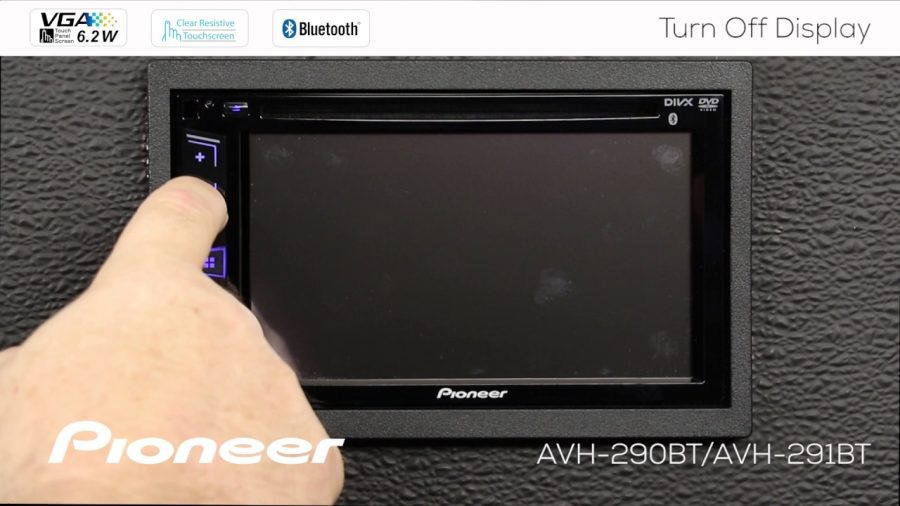
These steps cover the most common Pioneer touchscreen models. The process takes only a few seconds.
Method 1 – Using the SRC/OFF Button
- Locate the physical SRC button on the unit’s face or side panel.
- Press and hold the button for approximately 1–2 seconds.
- The screen will dim and then go dark, indicating the unit is off.
- Release the button.
Method 2 – Using the HOME Button
- Locate the HOME button, usually marked with a house icon.
- Press and hold the button for approximately 1 second.
- The display will shut off.
Method 3 – Touching the Screen Power Icon (Select Models)
- From the home screen, look for a power icon in the corner of the touchscreen interface.
- Tap it once.
- The unit will shut down or enter standby mode.
Method 4 – Turning Off the Vehicle
If none of the above apply during a parked situation, simply switching the ignition to the OFF position will power down the head unit automatically. This is the default behavior on nearly all Pioneer installations wired correctly to the vehicle’s ignition circuit.
Standby Mode vs. Completely Off: What’s the Difference?
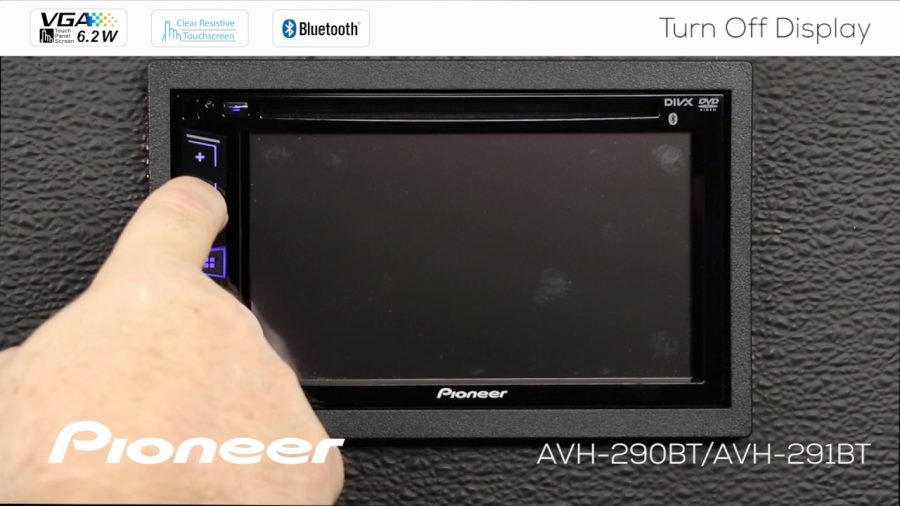
Many Pioneer units enter a standby mode rather than a full power-off state when you press the button. In standby, the screen goes dark but the unit may still maintain clock settings, paired Bluetooth connections, and presets. This is normal.
A complete power-off only occurs when vehicle ignition power is removed. In standby, the unit draws minimal current — typically low enough not to drain the battery during a normal parking period. If your Pioneer radio is left on accessory power for extended hours, however, standby draw can eventually drain a weak or aging battery.
When the Pioneer Radio Won’t Turn Off
A commonly reported issue is a Pioneer head unit that won’t respond to the power button command. A few causes are worth checking:
- Button held too briefly: The press-and-hold timing matters. A tap won’t work — you need to hold the button for a full one to two seconds.
- Incorrect wiring of the ACC wire: If the radio’s accessory wire is connected to a constant 12V source instead of the ignition-switched accessory circuit, the unit will stay on even after the car is off. This is a wiring error that requires correcting at the back of the head unit.
- Software freeze: Like any touchscreen device, Pioneer units can occasionally freeze. If the screen is unresponsive, try pressing and holding the reset button (a small recessed button, usually on the face of the unit, requiring a paperclip or thin tool) to perform a soft reset.
- Settings configuration: Some Pioneer models have a “System Off” delay setting in the system menu that controls how long the unit stays active after the ignition is switched off. This can be adjusted in the General Settings menu.
Adjusting the Auto-Off Delay in Pioneer Settings
Most Pioneer touchscreen radios include a configurable auto-off timer. This controls how long the radio stays on after the vehicle is shut off.
- To find this setting:
- Go to Settings from the home screen.
- Navigate to System or General Settings.
- Look for Auto Off or Power Off Timer.
- Set the delay to your preference — options typically range from Off, 30 seconds, 1 minute, or 5 minutes.
Setting a short auto-off delay prevents the radio from running indefinitely on accessory power when you’ve left the vehicle.
Pioneer Models This Applies To
The HOME button long-press method applies to many current Pioneer units, including the DMH-WT8600NEX, DMH-W4660NEX, AVH-W4500NEX, and similar models. The SRC/OFF method applies to older touchscreen AVH units and some single-DIN models with a small touchscreen panel.
Always verify your specific model by referencing the quick start guide included in the box or the full operation manual available on Pioneer’s support website. The method is consistent within product families but can vary across generations.
Protecting Your Battery During Extended Parking
If you regularly use your Pioneer radio while the vehicle is parked — for music during camping, charging devices, or listening without running the engine — be mindful of battery drain. Even in standby mode, the unit consumes some power.
For situations involving extended parked use, turning the radio off manually using the SRC/OFF or HOME button is a better habit than relying on automatic shutdown. Pair this practice with knowing your battery’s health, especially on older vehicles.
FAQ
How do I turn off my Pioneer radio without the key in the ignition?
Press and hold the SRC/OFF button or the HOME button on your Pioneer unit for one to two seconds. The screen will go dark and the unit will enter standby or shut off completely. This method works whether the vehicle is running or parked on accessory power, and it avoids having to cycle the ignition just to silence the radio.
Why does my Pioneer touchscreen stay on after I turn my car off?
This usually points to an incorrect wiring connection. The radio’s ACC (accessory) wire should be connected to an ignition-switched power source — one that loses power when the key is removed. If it’s connected to a constant 12V supply instead, the unit will never power down on its own. Correcting this requires accessing the wiring behind the head unit.
Can I turn off just the screen on a Pioneer radio without turning off the audio?
Some Pioneer models support a screen dimming or display-off mode separate from audio output. Check your unit’s display settings for a “Screen Off” or “Dimmer” option. On many units, audio continues playing even when the display is manually turned off — useful for nighttime driving without distracting brightness.
Does holding the Pioneer home button damage the unit or reset settings?
No. Holding the HOME button is a standard function built into Pioneer’s software. It simply initiates a controlled power-off sequence and does not clear presets, Bluetooth pairings, or system settings. A factory reset requires a separate deliberate action through the settings menu.
My Pioneer unit has a reset button — is that the same as turning it off?
No. The reset button (usually recessed on the unit’s face and requiring a pin or paperclip) performs a soft reboot — it restarts the software without erasing settings. It’s used when the touchscreen freezes or becomes unresponsive. It is not a substitute for the standard power-off function and should only be used when the unit isn’t responding normally.
How long should I hold the button to turn off a Pioneer AVH touchscreen?
On most AVH-series Pioneer units, hold the SRC/OFF button or HOME button for approximately one to two seconds. The display will dim briefly and then shut off. If you release too quickly, the unit will simply change the audio source or return to the home screen instead of powering down.
Will turning off my Pioneer radio manually affect Bluetooth connections?
In most cases, Bluetooth pairings are stored in memory and automatically reconnect when the unit powers back on. Turning the unit off manually — either through the button or vehicle ignition — does not delete paired devices. Your phone should reconnect automatically the next time the radio is powered on, as long as Bluetooth is still active on your device.
Turning off a Pioneer touchscreen radio comes down to a press-and-hold on either the SRC/OFF or HOME button, depending on your model. If the unit doesn’t respond, check for wiring issues on the ACC wire or use the recessed reset button to clear a software freeze. For long-term battery protection, building the habit of manually powering off the unit when parked on accessory power is always worth the extra second.